


monAI - AI Art Generator
4.41.18K Reviews
App Specs
- Version
- 1.0.969-release
- Updated On
- License
- Free
- Downloads
- 100,000+
- Developer
- Tesseract Mobile LLC
- Categories
- Art & Design
- Platform
- Android
Screenshots
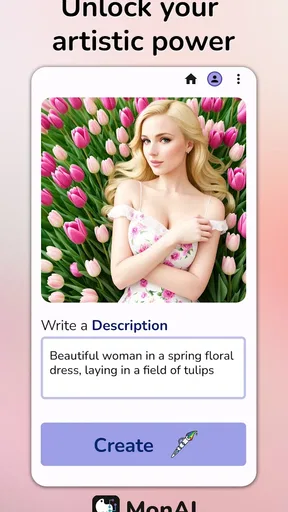
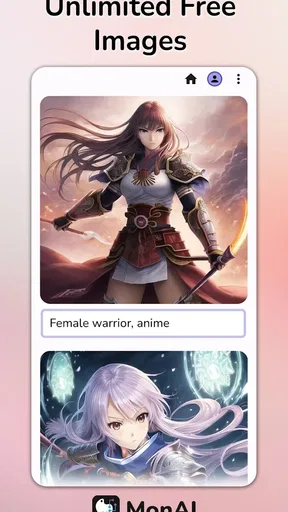
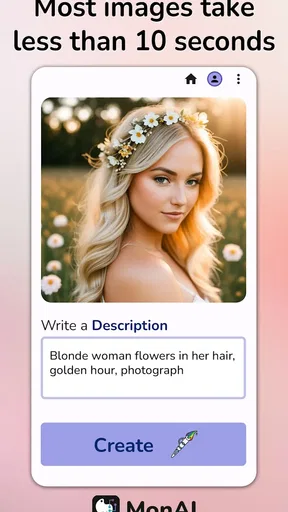
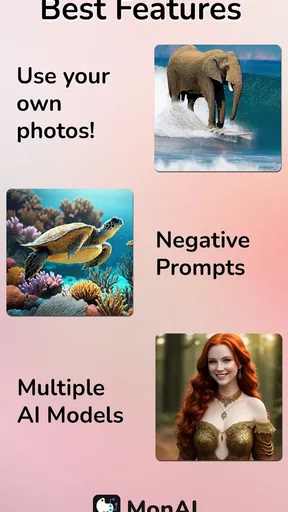
 Analysis by AppCompare
If you enjoy turning a passing idea into an image, monAI - AI Art Generator has an appealing first-week trick: it lets you explore what a text prompt or an existing photo might become without starting in a traditional drawing app. The novelty is real, but what matters more is whether the results are useful enough to bring you back. I found it works best as a quick creative sketchbook, not as a replacement for a carefully controlled art workflow.
A quick spark for everyday ideas
The first sessions are easy to fill. I might try a dreamy landscape for a mood board, make a playful image from a photo, or test how the same subject feels in different visual styles. That low-friction start is the strongest part of the experience: I can concentrate on the idea rather than learning a complicated set of drawing tools.
A practical tip is to treat each prompt as a small experiment. Begin with a clear subject and a few visual details, then change one element at a time if the result misses the mood. If I rewrite the whole prompt after every attempt, it becomes hard to tell which wording helped. The adjustable abstraction also gives a useful way to steer a photo transformation from recognizable toward more interpretive, instead of treating the first output as final.
Where it fits in a creative routine
For a realistic everyday use, imagine needing a quick visual to set the tone for a birthday invitation, a personal project, or a chat with a friend about an idea. I could start from a photo or a short description, try a style, and share the result for reactions. That is a different goal from producing a polished, editable illustration: monAI is more suited to generating and exploring possibilities than to making precise finishing adjustments.
That distinction helps answer a common question: can it replace a drawing or photo-editing app? I would not use it that way. A conventional editor is usually the better choice when exact cropping, layers, typography, color correction, or repeatable control matters. A drawing app is better when I want to shape every line myself. This app makes more sense when I want AI to do the visual interpretation and I am happy to judge, refine the prompt, and try again.
Who is likely to enjoy it
I can see it suiting curious beginners, casual creators, and anyone who likes testing image ideas without committing to a long session. It can also be handy for someone who wants a creative variation on a picture already in their gallery. The photo option is worth approaching with a specific intention: choosing an image with a clear subject gives the AI a more useful starting point than a busy photo with several competing focal points.
It is less compelling for people who need reliable consistency across a series, detailed control over every visual element, or a finished asset that must meet exact professional requirements. If the first version is close but not quite right, the process may involve more prompt trials than a conventional editor would. And although sharing is convenient, a share-ready image is not automatically a production-ready one; I would still check whether it suits the intended audience and use.
Worth Reading Before You Choose

EA SPORTS FC Mobile 26 Is a Bigger Football Game, but It Takes Time

Flipboard Shows What News Apps Must Do Beyond the Feed

Switching to Android Auto Means Rethinking Your Driving Routine

Google Calendar Makes a Crowded Week Easier to Manage

Ludo King Makes the Most of the Minutes Between Plans

Baby Panda World Brings Quick Play to Modern Phones, but Its Game Library Feels Busy
Cost and practical fit
monAI is a free Art & Design app from Tesseract Mobile LLC, with in-app purchases priced from $2.99 to $29.99 per item. I would start with the free experience and decide whether I return to it often before spending. The important personal test is not how many images I can imagine making, but whether I have recurring reasons to create them. A casual user may find the occasional experiment enough; someone who repeatedly develops concepts may value paid options more, depending on what they use and how often.
Its Teen content rating is another useful detail for households deciding whether it suits a younger user. I would still treat generated images as material to review before sharing, especially when a picture is meant for a public post or a specific occasion. That is sensible with any creative tool: a pleasing result can still be awkward, misleading, or simply wrong for the context.
When the novelty settles
The longer-term question is whether making images becomes a habit or remains an occasional diversion. My answer depends on the role I give the app. If I use it to test concepts, transform selected photos, or make informal visuals to share, it has a clear place in a creative routine. If I expect it to provide a steady stream of finished work without prompt experimentation, the appeal is more likely to fade.
There is also a small maintenance burden in the creative sense: I need to keep bringing it worthwhile ideas. A useful approach is to save a short list of prompt concepts for moments when I have a spare minute, rather than opening the app with no direction and generating images at random. That keeps each session purposeful and makes it easier to see whether the app is adding value rather than just consuming attention.
The app has a 4.6 average from around 3.8 thousand ratings, and has passed 100 thousand installs. It was released on November 21, 2022, and its current version is 1.0.921-release, with Android 7.0 as the minimum operating system. Those figures put it in context, but they do not decide whether it belongs on my phone; my own repeat use would.
If you are wondering whether it is simple enough to try without art experience, I think so: the prompt-and-style approach lowers the barrier, while the photo workflow offers another way in. If you are wondering whether it is dependable for exact results, I would be more cautious. The occasional lag with complex prompts and the limited range of styles noted in my use are meaningful trade-offs when speed or variety matters. For a quick idea, they are easier to accept than for a deadline-driven project.
To keep a session efficient, I would choose the purpose first, then decide whether a text prompt or a photo is the better starting point. With a photo, choose one where the main subject is easy to recognize; with text, describe the scene and mood plainly before adding extra details. After generating, compare the result with the original goal rather than simply asking whether it looks impressive. That habit helps separate an image that is attractive from one that is actually useful.
Getting Started: A Canvas at Your Fingertips
Diving into monAI - AI Art Generator is like stepping into an art studio, except it’s right on your phone. The installation process was smooth, and the app is available for both Android and iOS users. No hiccups, just a straightforward download and you're ready to unleash your inner artist.
The interface is user-friendly, which is a big win. I mean, who has time to fiddle around with complicated menus, right? The home screen greets you with a simple menu, letting you choose from various styles and templates. It’s like having an art gallery in your pocket. The app doesn't bombard you with ads, which is refreshing and lets you focus on creating art without distractions.
The Magic of AI: Creating Art with a Tap
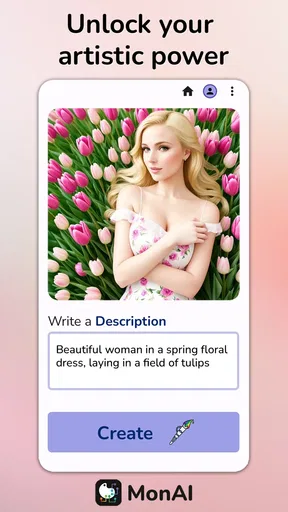
Now, let’s talk about the real deal: the art generation. The app uses AI technology to transform your ideas into stunning pieces of art. All you need is a bit of imagination, and monAI does the rest. I tried out a few different prompts, from landscapes to abstract concepts, and I was genuinely amazed at what the app churned out.
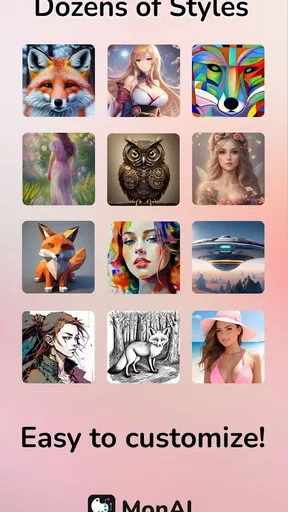
The results look professional, and the AI’s ability to understand and interpret your prompts is quite impressive. You can choose from a variety of styles – think Van Gogh or Picasso, but also some modern digital art styles that add a unique flair to your creations.
Features That Stand Out
One of the coolest features is the app’s ability to integrate with your existing photo gallery. You can upload a picture and let the AI give it a creative twist. It’s like a makeover for your photos! Plus, the app allows you to adjust the level of abstraction, so whether you want a light touch or a full-blown abstract piece, the choice is yours.
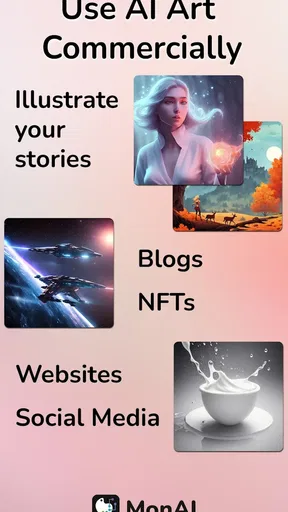
Another nifty feature is the social sharing option. Once you’ve created your masterpiece, sharing it with friends or on social media is just a tap away. It’s perfect for those who love to showcase their creativity or get feedback from fellow art enthusiasts.
Room for Improvement?
While I’m all praise for the app, there are a couple of areas where monAI could improve. For starters, the app occasionally lags when processing more complex prompts. It’s not a dealbreaker, but something to keep in mind if you’re working on something intricate.
Also, while the app offers a decent variety of styles, adding more options could enhance the creative possibilities even further. But hey, the team behind monAI seems pretty dedicated, so I wouldn’t be surprised if they roll out more features soon.
Final Thoughts
All in all, monAI - AI Art Generator is a fantastic tool for anyone looking to explore digital art without needing a degree in fine arts. It’s intuitive, fun, and brings a splash of creativity to your fingertips. Whether you’re an aspiring artist or just someone who loves to dabble in creative projects, this app is worth checking out.
So, go ahead, download it, and start crafting your next masterpiece. Who knows? You might just discover a hidden talent or a new hobby. Happy creating!
Pros
- Creates stunning artwork quickly.
- User-friendly interface for all ages.
- Offers various art styles to explore.
- Regular updates with new features.
- Requires no prior art skills.
Cons
- Limited free version options.
- Can be resource-intensive on devices.
- Occasional glitches in rendering.
- Customization options are limited.
- Requires internet for full features.
FAQs for monAI - AI Art Generator
What is monAI - AI Art Generator?
monAI is an innovative application designed to create stunning and unique art pieces using artificial intelligence. It allows users to generate artwork by simply inputting text prompts or selecting from various styles. The app harnesses AI technology to transform ideas into visual masterpieces, making art creation accessible to everyone.
How easy is it to use monAI for beginners?
monAI is designed with user-friendliness in mind, making it accessible to beginners and experienced artists alike. The intuitive interface guides users through the process of selecting styles and generating artwork, requiring no prior artistic skills. Tutorials and tooltips are also available to assist new users in navigating the app effectively.
What are the key features of monAI?
monAI offers a range of features, including text-to-image generation, style customization, and a wide variety of pre-set art styles. Users can experiment with different artistic techniques, save their creations, and even share them directly from the app. The app continuously updates with new styles and features to keep the creative process fresh and exciting.
Are there any in-app purchases or subscription fees?
While monAI offers a free version with basic features, it also includes in-app purchases for advanced tools and additional styles. A subscription model is available for users who wish to access premium content and updates regularly. Pricing information is transparent and can be found in the app’s store page before downloading.
Is monAI suitable for professional artists?
Yes, monAI caters to both hobbyists and professional artists. Its advanced features allow for intricate customization, offering professionals the ability to explore new styles and techniques. The app’s AI-driven capabilities can serve as a powerful tool for inspiration or as a complement to traditional artistic methods.


